
Automate data generation and AI model training through a simple, easy-to-use GUI.




---
## Features
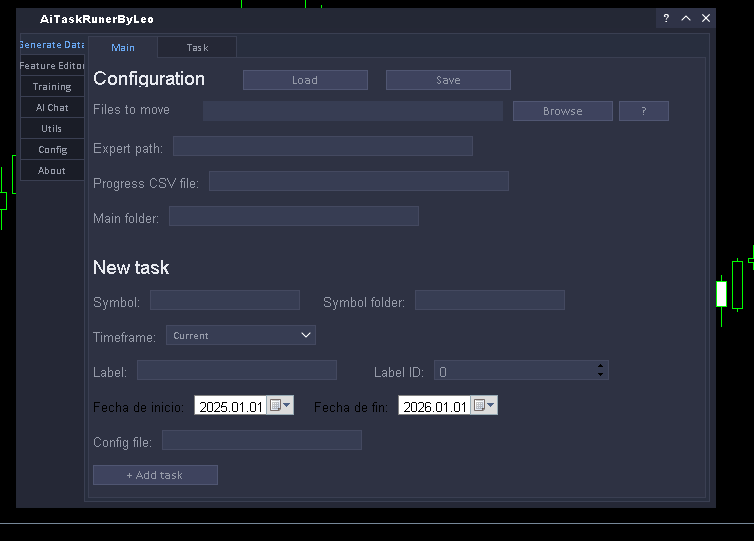
- **Data generation | Main tab** — choose timeframe, symbol, date range and add tasks to the queue.
[](./Images/TabGeneralMain.png)
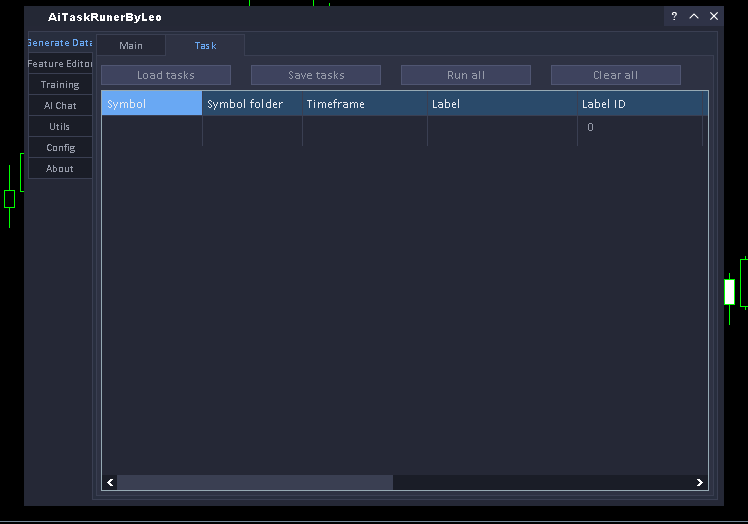
- **Data generation | Tasks tab** — view and manage all pending, running and completed tasks.
[](./Images/TabGeneralTask.png)
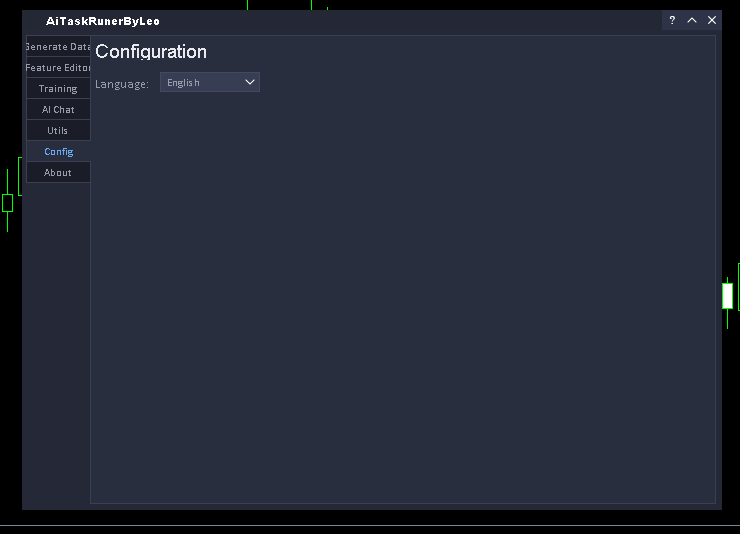
- **Settings tab** — choose the interface language.
[](./Images/TabConfig.png)
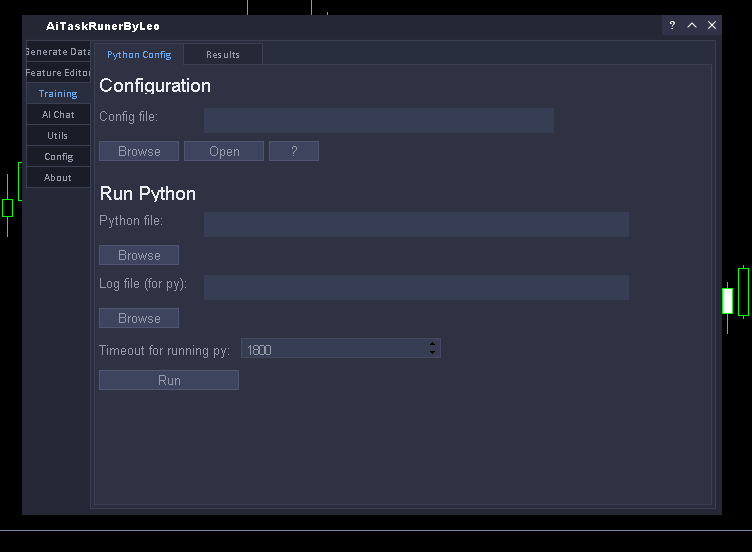
- **Training tab | Run** — Choose the py trainer settings and run it
[](./Images/TabTrainingPy.png)
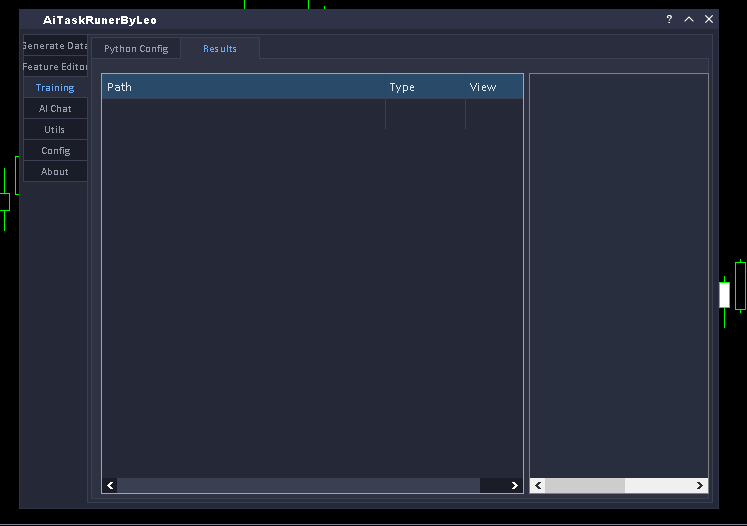
- **Training tab | Results** — View the results of the py training in real time
[](./Images/TabTrainingRes.png)
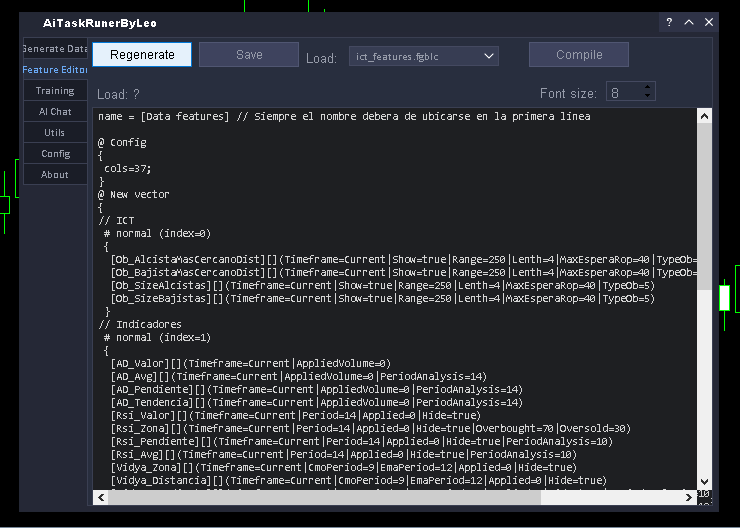
- **Feature editor** — Modify\Compile (csv)\Save\Load\etc the features that your AI model will use through a simple editor for the FGBLC DSL
[](./Images/TabFeatureEditor.png)
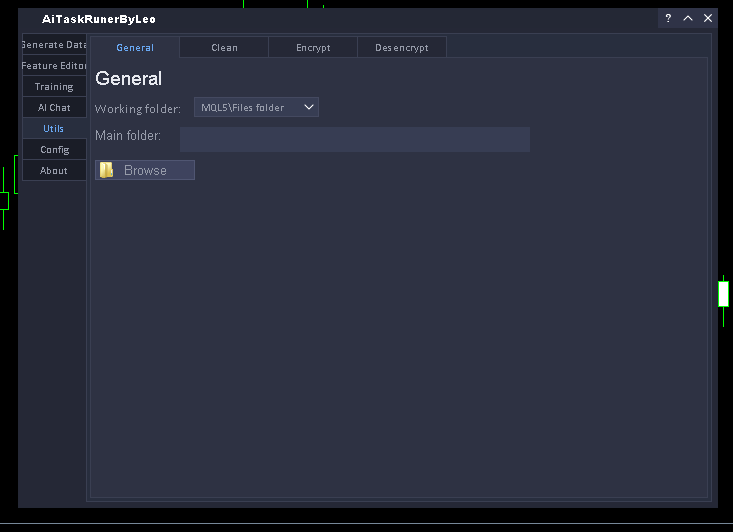
- **Utils tab** — Encrypt/Decrypt/Clean folders
Useful if you want to distribute the onnx files, etc., generated by the panel
[](./Images/TabUtilGeneral.png)
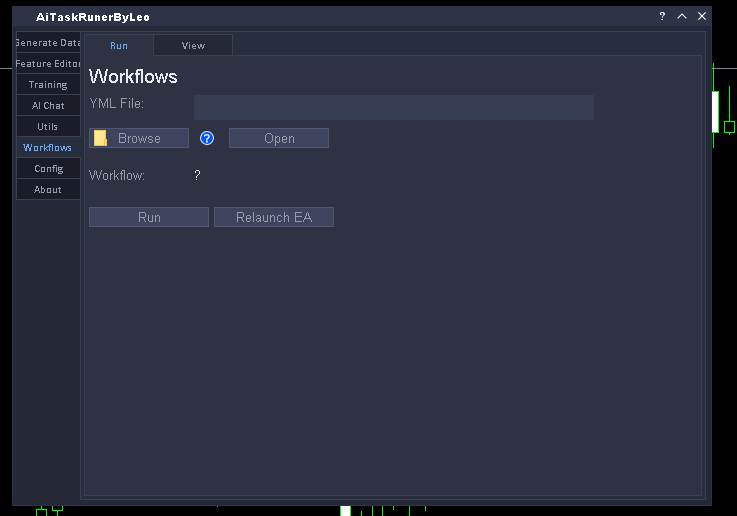
- **Workflows tab** — Run workflows without touching the panel
Useful for the mass automation of data generation/training of ML models
[](./Images/TabWf.png)
- **AI tab** — configure the LLM model and control the panel via Telegram in natural language.
[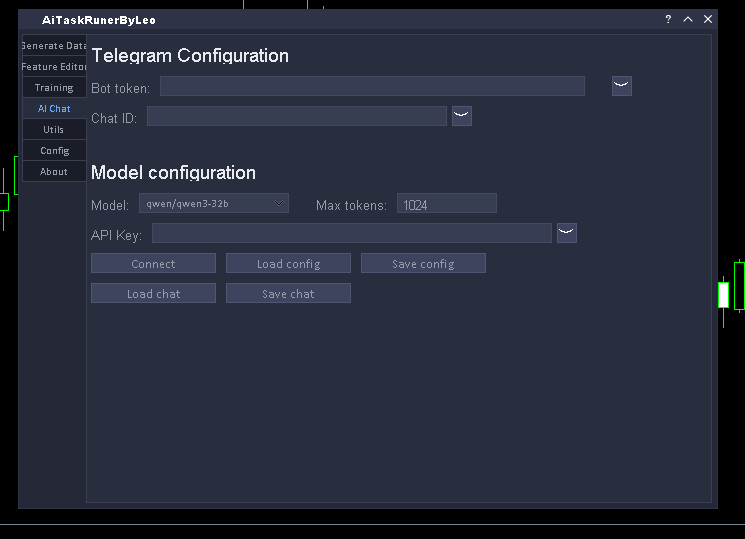](./Images/PanelAi.png)
**Currently supported via Telegram:**
- Query task status and count
- Add, save and load tasks
- Execute and clean all tasks
- Load and save panel configuration
- Query panel folders and settings
- Query MT5 logs, manage files, check system time
> Results from panel operations are delivered asynchronously directly to the chat.
---
## Quick Start
### 1. Install
Install the 6 files located in the releases section (most recent ones preferred).
- Place all EAs (5) .ex5 files in your MQL5\\Experts\\ folder
- Place the DLL DllFileSelctDialog.dll in your MQL5\\Libraries\\ folder
- Place the executable file py_trainer.exe in a folder relative to your terminal path or a custom location.
> You must have the following products purchased:
> - ICTLibrary (https://www.thebotplace.com/bot/ict-fastlibrary)
> - FastNL (https://www.thebotplace.com/bot/fast-newslibrary)
### 2. Run the bots in your MT5 terminal
Run the Runner.ex5 bot on any chart, wait a couple of seconds, and then run AiDataTaskRunnerByLeo.ex5
---
## Repository Structure
```
AiDataTaskRuner/
├── Backend/ # The backend of the panel is where the code that the tester executes for data generation is located.
├── FileInstaler/ # This is where the panel's file installer is located... such as ini files, etc.
├── DllFilseSelctDialog/ # C++ code for the DLL (this allows the use of a custom file select dialog without sandbox limitations)
├── UI/ # Frontend code for the panel (tabs and main window)
├── Images/ # Repository banner
└── Utils/ # Utility scripts for working with .set
```
---
## Requirements
If you only want to use the bot, you don't need to download anything else besides the ex5 files. Otherwise, if you want the code, you should check the file:
[dependencies.json](./dependencies.json) file.
---
## Installation of repo code
- Clone the git repository into shared projects via cmd.
- Contact me privately on MQL5 chats (user: nique_372) to be added as a collaborator with your MQL5 nickname (read-only access), which will make the repository automatically appear in your Shared Projects folder.
- Fork the repository.
---
## Documentation
Full documentation including tab-by-tab guides, parameter reference and configuration examples is available in the [Wiki](https://forge.mql5.io/nique_372/AiDataTaskRuner/wiki).
---
## Disclaimer
**Trading involves substantial risk of loss.**
- This software is a technical tool, not financial advice
- Past performance does not guarantee future results
- You are solely responsible for your trading decisions
- Always test thoroughly before deploying with real capital
- Apply appropriate risk management at all times
The authors assume no liability for trading losses, system failures, or any damages arising from the use of this software.
---
## License
**[Read Full License](./LICENSE)**
---
Copyright © 2026 Nique-Leo.