- MQL5 97.5%
- Python 1.2%
- JavaScript 0.9%
- HTML 0.3%
| Filename | Latest commit message | Latest commit date |
|---|---|---|
| Experts | ||
| Files | ||
| Include | ||
| Indicators | ||
| Libraries | ||
| Presets | ||
| Scripts | ||
| Services | ||
| Web | ||
| Book_MQL5-clear.png | ||
| MQL5Book.ex5 | ||
| MQL5Book.mqproj | ||
| README.md | ||


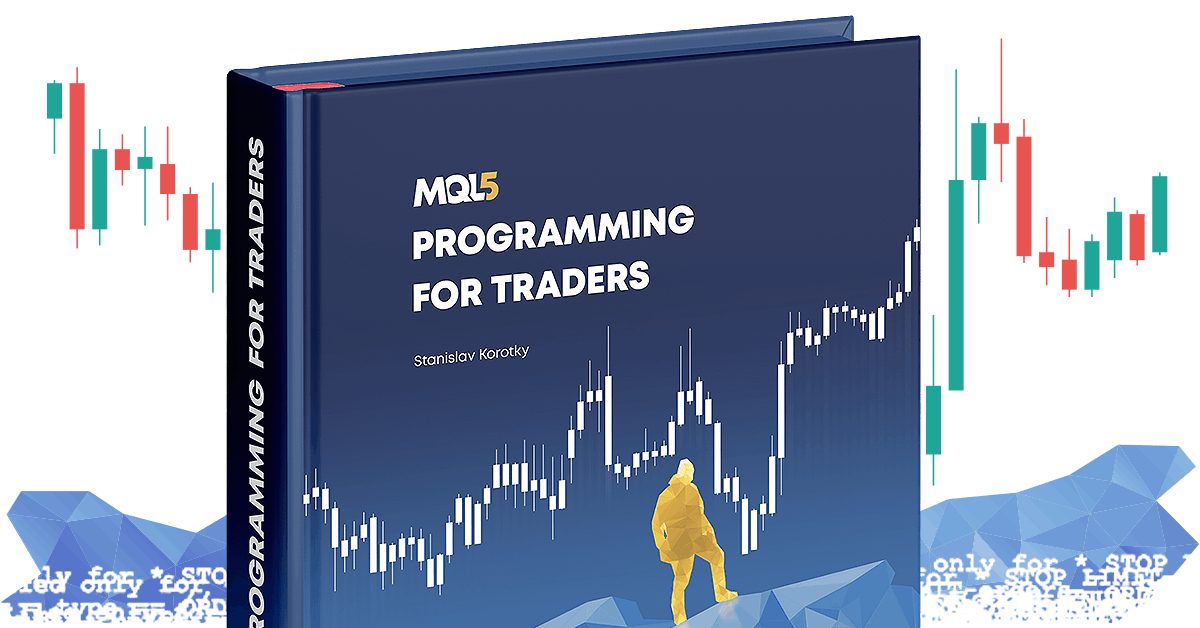
MQL5 Programming for Traders
Examples from the book "MQL5 Programming for Traders" - author Stanislav Korotky
The repository is organized into the standard MQL5/ directory structure (Scripts / Experts / Indicators / Include / Files, etc.) and grouped by book sections (p1 … p7) to make it easy to:
- open the project in MetaEditor,
- compile examples as you progress through the book,
- run them in MetaTrader 5 and in the Strategy Tester.
Links
- Book (online): https://www.mql5.com/en/book
- Repository (Algo Forge): https://forge.mql5.io/rosh/MQL5Book
CodeBase publications with source examples by part:
- Part 1: https://www.mql5.com/en/code/45590
- Part 2: https://www.mql5.com/en/code/45591
- Part 3: https://www.mql5.com/en/code/45592
- Part 4: https://www.mql5.com/en/code/45593
- Part 5: https://www.mql5.com/en/code/45594
- Part 6: https://www.mql5.com/en/code/45595
- Part 7: https://www.mql5.com/en/code/45596
Contents in Parts
A brief overview of each section to help you quickly locate examples and understand what to practice.
-
Part 1 — Introduction to MQL5 and development environment (p1
Getting started with MetaEditor: editing, compiling, and running code; basic types and variables; expressions; arrays; debugging; and outputting data. -
Part 2 — Fundamentals of MQL5 programming (p2)
Core building blocks of the language: data types, identifiers, variables, operators, expressions, statements, and procedural logic construction. -
Part 3 — Object-oriented programming in MQL5 (p3)
OOP examples for managing complexity: classes/objects, templates, and code structuring techniques. -
Part 4 — Common MQL5 APIs (p4)
Working with built-in terminal functions (API) from the most basic and useful to more specialized subsystems. -
Part 5 — Creating applications in MQL5 (p5)
Practical tasks: data analysis and processing, chart visualization, task automation, and interactive user interfaces. -
Part 6 — Automating trading (p6)
Everything needed for trading robots: trading environment (instruments/accounts), trading structures and functions, event handling, and strategy testing. -
Part 7 — Advanced MQL5 tools (p7)
Advanced APIs and integrations: custom tools, economic calendar, network and database access, cryptography, and more.
Repository Structure
The folders follow the standard MetaTrader 5 data directory layout (…/MQL5/):
MQL5Book/
├─ Experts/        # Expert Advisors (EAs) — grouped by parts (p5, p6, p7)
├─ Indicators/     # Indicators — by parts (p5, p6, p7)
├─ Scripts/        # Scripts — by parts (p1 … p7) + Python examples
│  ├─ p1/
│  ├─ p2/
│  ├─ p3/
│  ├─ p4/
│  ├─ p5/
│  ├─ p6/
│  ├─ p7/
│  └─ Python/
├─ Services/       # Services (p4, p5, p7)
├─ Include/        # .mqh: helper classes/utilities used in examples
├─ Libraries/      # example libraries (.mq5)
├─ Files/          # data files for examples (read/write, resources, etc.)
├─ Web/            # html/css/js used by certain examples
├─ Presets/        # .set parameter presets (for indicators/EAs)
└─ MQL5Book.mqproj # MetaEditor project file
Notes
-
All examples are intended for learning and experimentation.
Always test thoroughly in the Strategy Tester or on a demo account before using real funds. -
The
Scripts/Pythonfolder contains examples for integrating MetaTrader 5 with Python.
Make sure to enable the appropriate terminal settings:
License and Usage
All materials are part of the book "MQL5 Programming for Traders" and the MQL5/MetaTrader 5 ecosystem. Please respect copyright and the MQL5.com/MetaQuotes terms when distributing or reusing code.
Contributing
- Bugs/improvements: use Issues.
- Pull Requests: welcome. Submit changes by part (p1…p7) for easier review and alignment with the book.